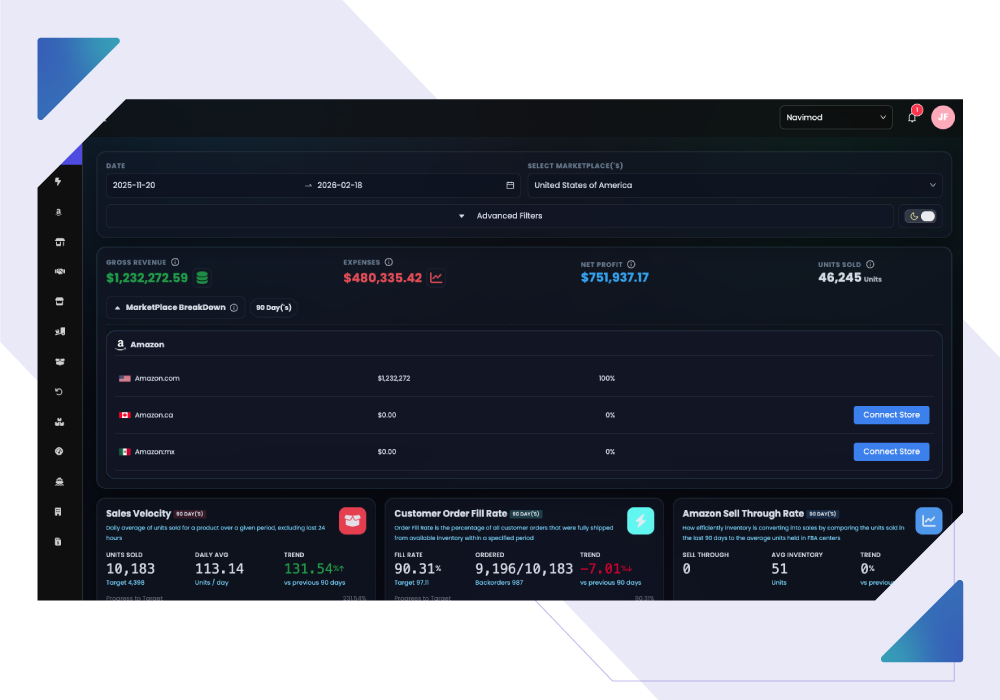
100% Data Integrity
Stock Plus™ pulls directly from the Amazon SP-API and cross-references it with your Forceget shipping manifest.
Catch What Amazon Misses
Stock Plus™ flags FBA check-in discrepancies within 24 hours of arrival.
Optimized for Fee Structures
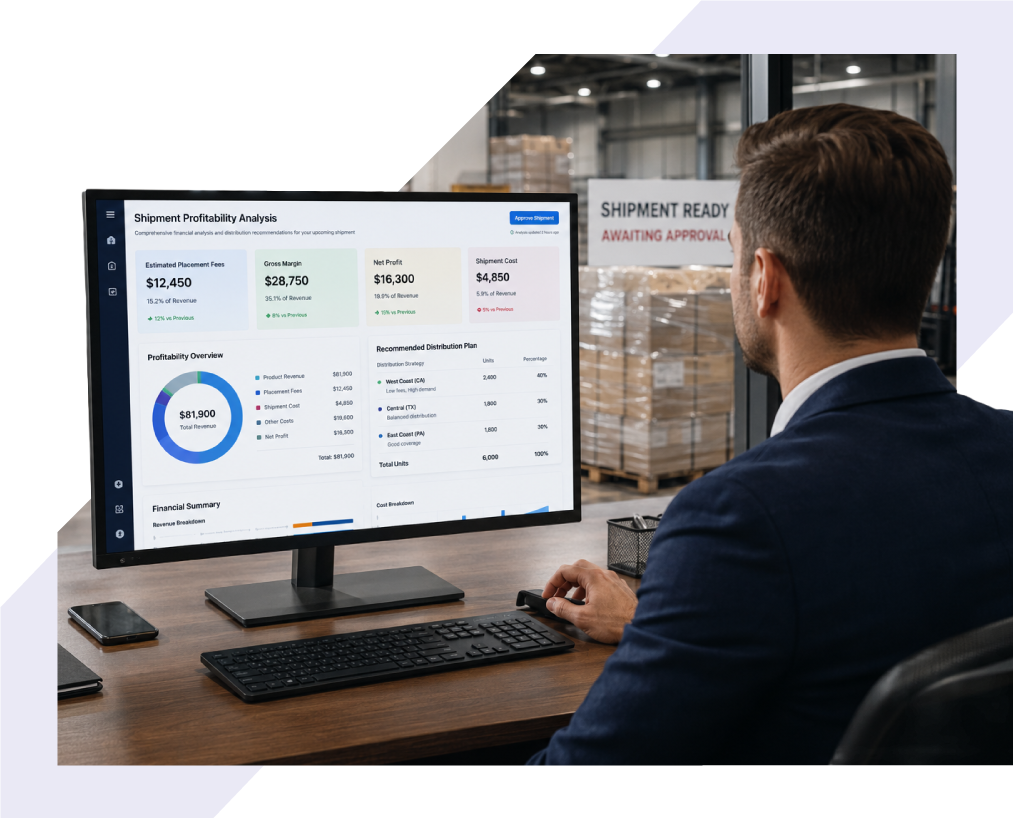
Stock Plus™ calculates Placement Fees before you ship, ensuring your inbound strategy is always the most cost-effective option for your bottom line.
How stock Plus Handles Your FBA Numbers
Controlled FBA Placement Fees
Stock Plus analyzes your inbound shipments to identify how placement fees will impact your margin before you hit send.

Automated FBA Check-In Audits
Catch discrepancies at the moment of check-in. Instant proof for reimbursement claims if Amazon under-counts your stock.
“Clean Profit” Dashboard
We aggregate your landed costs, storage fees, and sales velocity into one simple view.

Want To See How Your Current FBA Margins Look?
Connect your store to Forceget today. It only takes a minute to sync, and Stock Plus™ will immediately start auditing your check-ins and tracking your actual margins.
How stock Plus Handles Your FBA Numbers
Controlled FBA Placement Fees
Stock Plus analyzes your inbound shipments to identify how placement fees will impact your margin before you hit send.
Automated FBA Check-In Audits
Catch discrepancies at the moment of check-in. Instant proof for reimbursement claims if Amazon under-counts your stock.
“Clean Profit” Dashboard
We aggregate your landed costs, storage fees, and sales velocity into one simple view.
Want To See How Your Current FBA Margins Look?
Connect your store to Forceget today. It only takes a minute to sync, and Profit Plus™ will immediately start auditing your check-ins and tracking your actual margins.
How Does Stock Plus™ Work?
A quick, Secure Sync With Your Amazon Account
You simply authorize Forceget via Amazon’s official SP-API. It takes about a minute, and it’s the most secure way to share data. Once connected, Stock Plus™ automatically pulls your sales, fees, and inventory levels and matches them against the shipping data we already have on file.
Continuous Monitoring and Automated Flagging
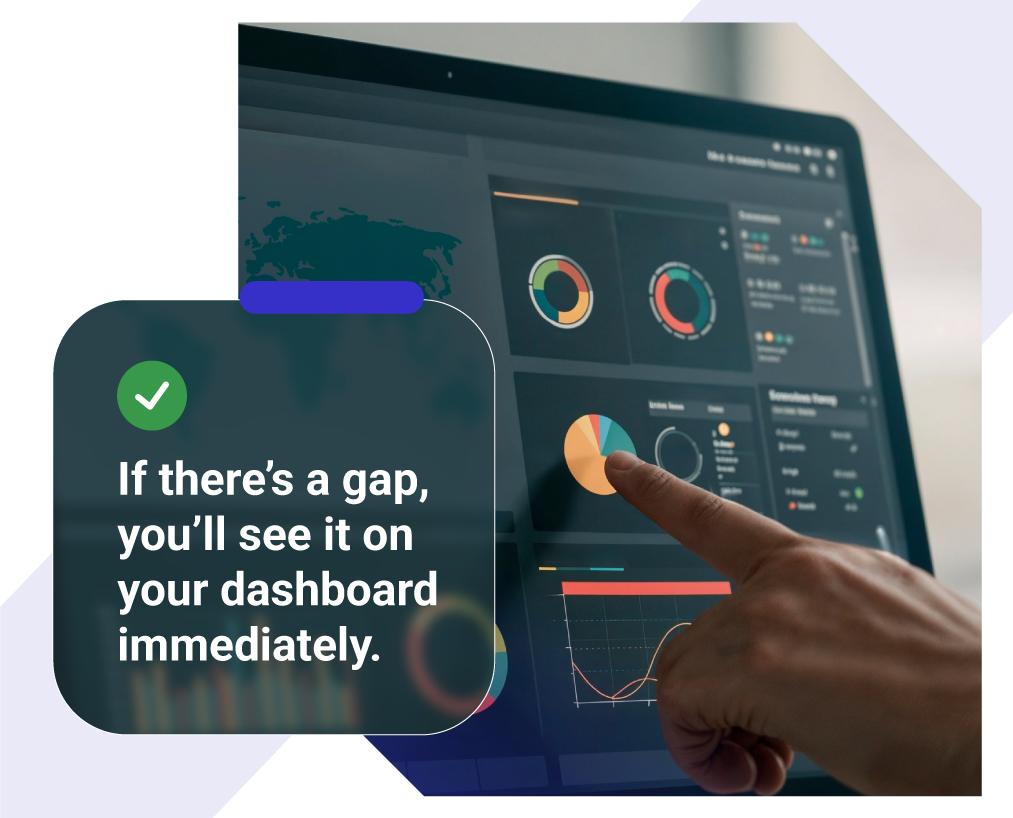
The system runs in the background 24/7. When a shipment arrives at FBA, Stock Plus™ cross-references what we shipped with what Amazon scanned in. If there’s a gap, you’ll see it on your dashboard immediately—not three weeks later when you’re looking at a confusing settlement report.
How Does Profit Plus™ Work?
A quick, Secure Sync With Your Amazon Account
You simply authorize Forceget via Amazon’s official SP-API. It takes about a minute, and it’s the most secure way to share data. Once connected, Profit Plus™ automatically pulls your sales, fees, and inventory levels and matches them against the shipping data we already have on file.
Continuous Monitoring and Automated Flagging
The system runs in the background 24/7. When a shipment arrives at FBA, Profit Plus™ cross-references what we shipped with what Amazon scanned in. If there’s a gap, you’ll see it on your dashboard immediately—not three weeks later when you’re looking at a confusing settlement report.
Know Your True Profit. Scale Your Ecom With Confidence.
- View your entire Ecommerce business health in one dashboard
- Track Amazon revenue, fees, and net profit in real time
- See which SKUs and ASINs drive profit vs. loss
- Monitor sales velocity and demand trends
- Optimize FBA inventory health and sell-through
- Improve order fill rate and in-stock performance
- Analyze and minimize FBA fees, placement, and hidden costs
- Prevent overstock and overcharges
- Visualize performance across marketplaces, states, and cities
- Spend money to right states for ads
- Track FBA receiving, transfers, and inbound shipments
- Detect stranded inventory and listing issues instantly
- Capture Amazon reimbursement opportunities
- Drill down into SKU / ASIN-level performance